Calculator 計數機
Sci-50 programmable, running inside this page. Tap the keys, or use your computer keyboard: press ? to see which key does what.
If the calculator does not appear, open it full screen.
Use it full screen or offline
- Open full screen. On iPhone or iPad tap Share, then Add to Home Screen. On Android or a computer choose Install app in the browser menu. It then opens in its own window and works without internet.
- Download sci50.html (one file, about 0.7 MB). Open it in any browser; no internet or installation needed.
First steps
- Read the short notice and tap OK.
- Type a calculation and press EXE.
- Tap ⋮ (top right) for Program Library, Theme and User Guide.
- Before clearing your browser or changing device, use Menu → Backup & Restore → Export backup.
Programs and settings are saved in your browser. The calculator on this page keeps its own copy, separate from the full-screen version. Use Backup & Restore to move programs between them.
Two looks
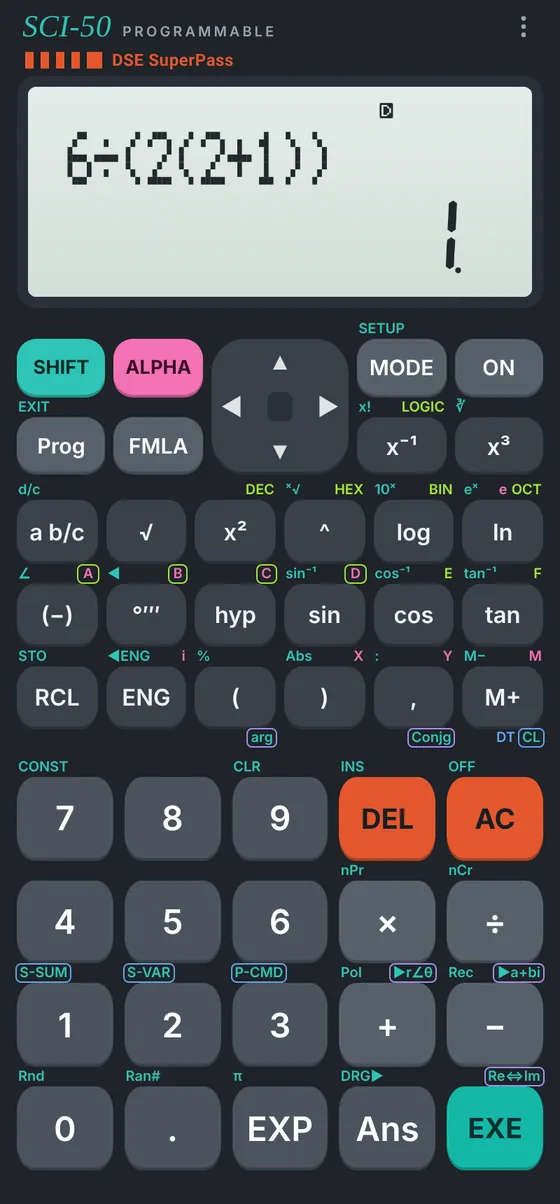
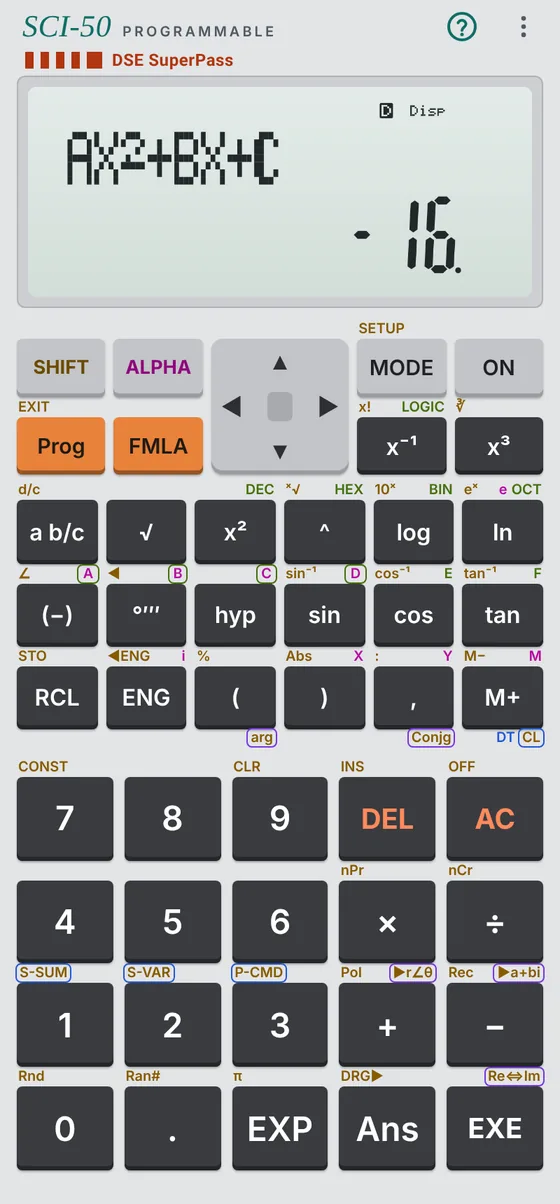
Change it in Menu → Theme. You can also use a photo of your own calculator as the keypad.
Test results: Sci-50 on GitHub. Report a problem in Issues.