Practise With Calculator
Press · Work · Check 按鍵 · 計算 · 驗證
Learn the keystrokes for school maths on a free, two-line programmable calculator that runs in your browser. Phone, tablet or computer, online or offline.
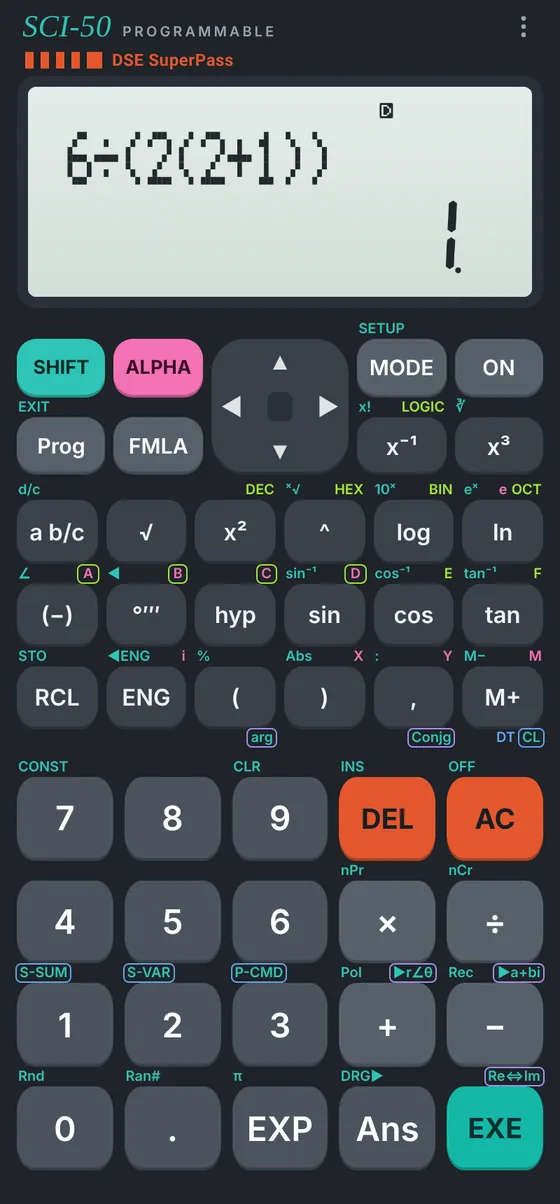
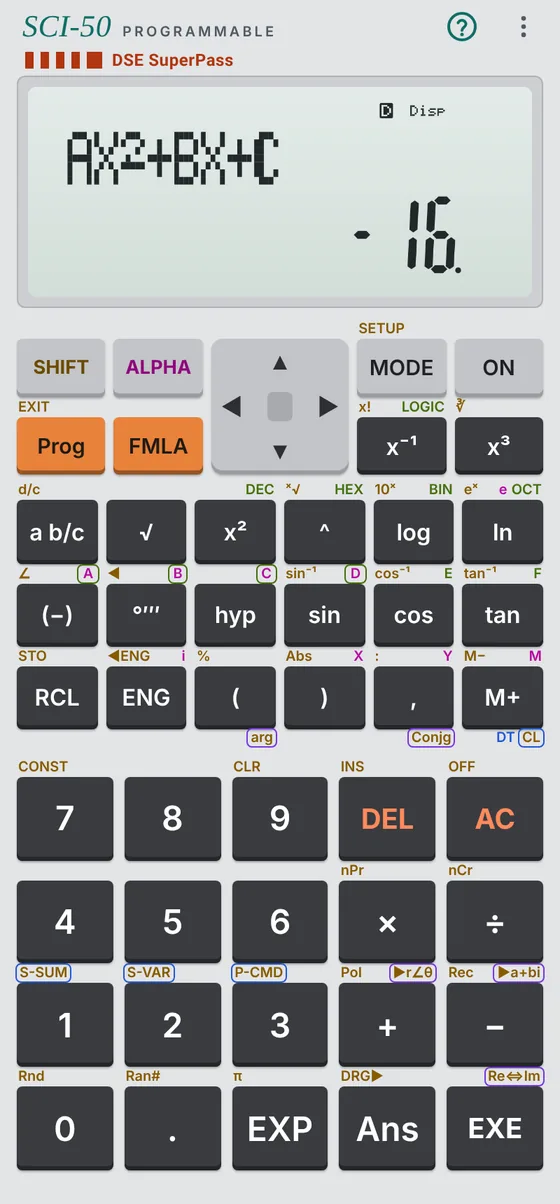
How every solution on this site works
1 Press
Choose the mode or program, then key in the values in the order the calculator asks.
2 Work
Read each result the display shows, one at a time, and write down what it means.
3 Check
Compare with the worked answer, round as the question asks, and check it makes sense.
The 12 DSE programs, built in 十二個文憑試程式
Algebra and coordinate geometry programs, with the same inputs in the same order as the DSE versions. Each one shows the keys to type it into your own calculator.
Same keys as the real thing
Works key for key like several programmable calculators on the HKEAA List of Permitted Calculators: the same SHIFT and ALPHA layers, menus and two-line display.
Write your own programs
Four program areas, P1 to P4, sharing the same 680-byte memory as the real calculator.
Checked against published answers
1,015 calculations from a user's guide and textbooks were keyed in and checked. None failed.
Private and offline
No sign-up, no ads, no tracking. Install it from the browser and it works without internet.
Learn
Short lessons on modes, fractions, statistics, complex numbers, base-n and programs.
12 DSE programsProgram Bank
What each program does, the keys, a worked example and the screen it shows.
20 questionsExam Practice
Original junior, DSE-style and IB-style questions, solved with the calculator step by step.
The Sci-50 Operation Manual
Every key, every mode and every DSE program, with worked exam questions and a printable program card. English and Traditional Chinese.